Archived
SpoolSync
A desktop app that syncs OrcaSlicer printer and filament profiles between computers, using Firebase.
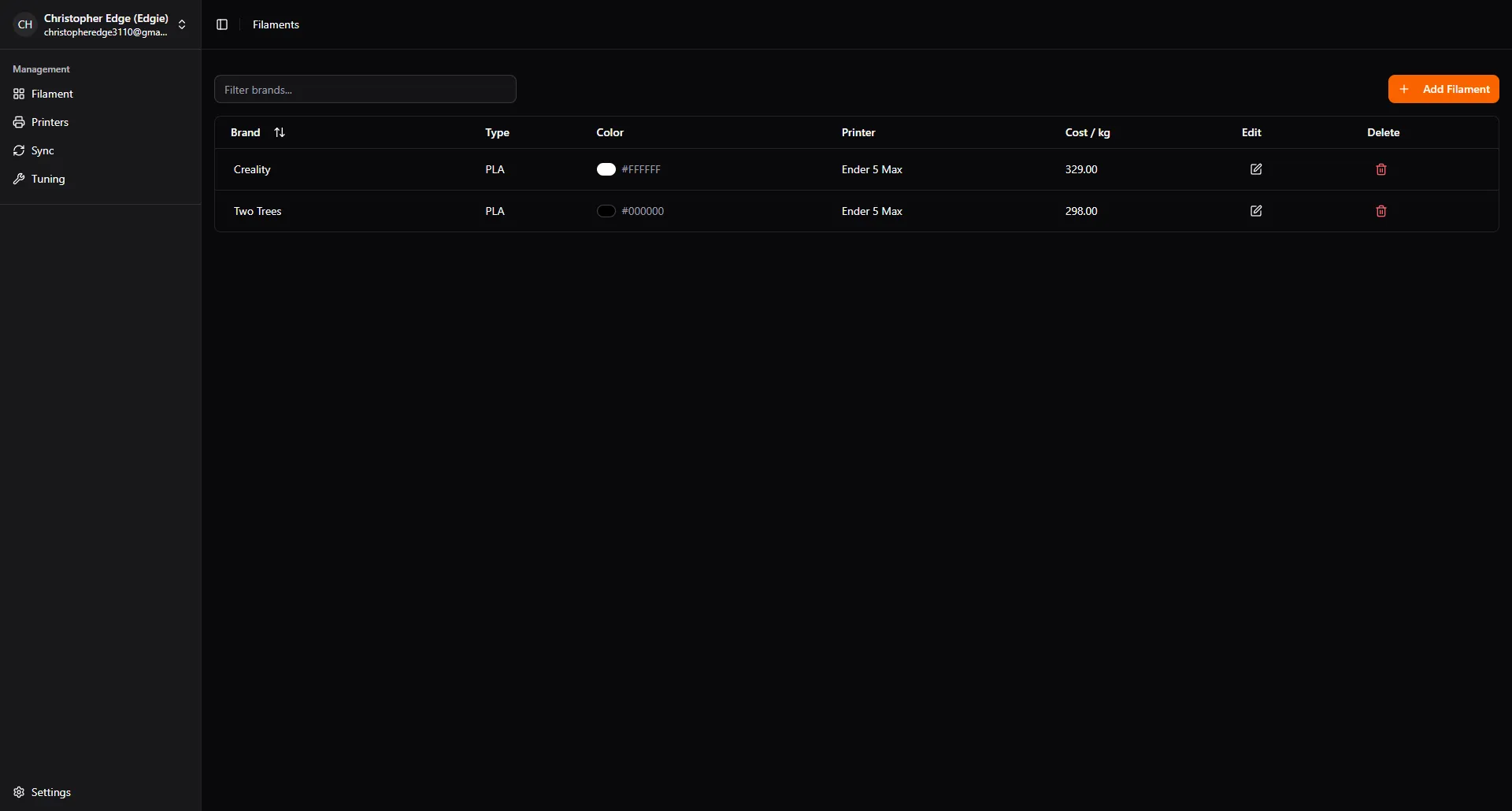
The problem
I ran into a frustrating gap: my printer and filament profiles didn’t sync between devices. Sometimes I didn’t have access to my desktop but wanted to print something, and I didn’t have the right profiles on the machine in front of me. SpoolSync was meant to fill that gap.
What I built
An Electron and Next.js desktop app that:
- Syncs printer and filament profiles between a user’s computers.
- Lets you edit those profiles inside the app.
It works, but it only covers a limited set of settings, because a printer or filament profile contains a vast number of them.
How it works
OrcaSlicer stores profiles as JSON files on the user’s PC. SpoolSync reads those files and creates a Firestore record for each profile, storing the individual settings. To sync, it does the reverse: it uses the Firestore profiles to write JSON files into the app data folder where OrcaSlicer keeps them by default, so every one of the user’s PCs stays up to date.
The hardest part
Finding the correct names for the settings. A setting isn’t always named the same in OrcaSlicer’s interface as it is in the JSON file.
To work them out, I made a test profile and added each setting to the app by hand, matching it to its name in the JSON file. Doing that for the vast number of settings in a profile is why the app only covers a limited set so far.
Where it’s at
As a sync tool, SpoolSync is archived. It works, although some settings are missing, and it has become less relevant: OrcaSlicer has since added its own cloud sync, which syncs profiles through a user’s OrcaSlicer account and covers much of what SpoolSync set out to do.
What’s next
I plan to turn it into a more general tool that helps users tune their printer and filament profiles.